COP BASTARD on Steam Deck
There is no native Linux build, so Deck runs the Windows version through Proton. Official minimum is 1 GB RAM and a 1 GB Shader Model 2.0+ card, with full controller support.

Steam lists COP BASTARD for Windows only — no macOS build, no native Linux build. On a Steam Deck that means running the Windows version through Proton, which is the normal path for a game like this and not a warning sign.
What the game itself needs
| Requirement | Value |
|---|---|
| OS | Windows 10 (minimum), Windows 10/11 (recommended) |
| Processor | 2.6 GHz minimum, dual core 3.0 GHz recommended |
| Memory | 1000 MB minimum, 8 GB recommended |
| Graphics | 1 GB video memory, Shader Model 2.0+; 2 GB recommended |
| Storage | 5 GB |
| Controller | Full controller support |
| Online | None required for the campaign |
Those numbers are far below what a Deck can do, and the game ships with full controller support, so the two things that usually break a Deck experience — performance and input — are both covered on paper.
What to expect in practice
- Proton handles it. A DirectX Windows build with no anti-cheat and no online requirement is the easy case for Proton. If a Proton version misbehaves, switching to another one is a two-click change in the game's properties.
- The controls are already mapped. Full controller support means the game ships a pad layout; you should not need to build a Steam Input profile from scratch, though you can rebind inside the game.
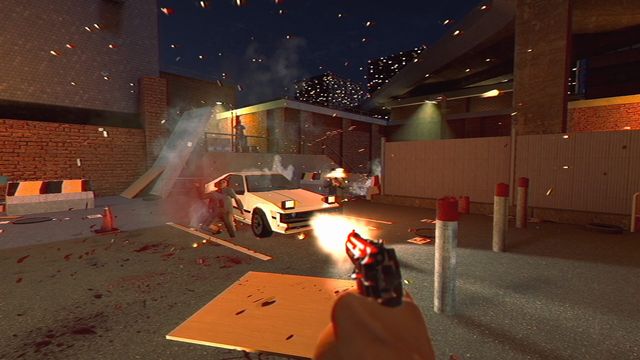
- The VHS filter is the performance question. It is post-processing, and it is the setting the demo notes suggested turning off for weaker hardware. On a Deck, that is the first lever before touching resolution.
- Five gigabytes is small. It fits comfortably next to a couple of larger games.
Where the compatibility rating comes from
Valve decides Steam Deck compatibility with its own test and shows the result in the Steam client on the game's page and in your library. That rating is the authoritative answer for "does it run on Deck", and it is updated as Valve and the developer fix things. This page covers what the game requires, which is the part that does not change between ratings.
If you are buying specifically for Deck
Check the store page in the Steam client before purchase, and use the two-hour refund window to test the first firefight — the frame rate in a crowded nightclub room is the worst case, and if that holds up, the rest of the game will.
Checked 2026-10-31 against Steam store system requirements and platform data for app 1742440.