Known issues, and what actually fixes them
Most launch problems are demo-era bugs fixed in v0.98c5, or local issues. Update the build, verify Steam files, turn off overlays and update your GPU driver before assuming the game is broken.
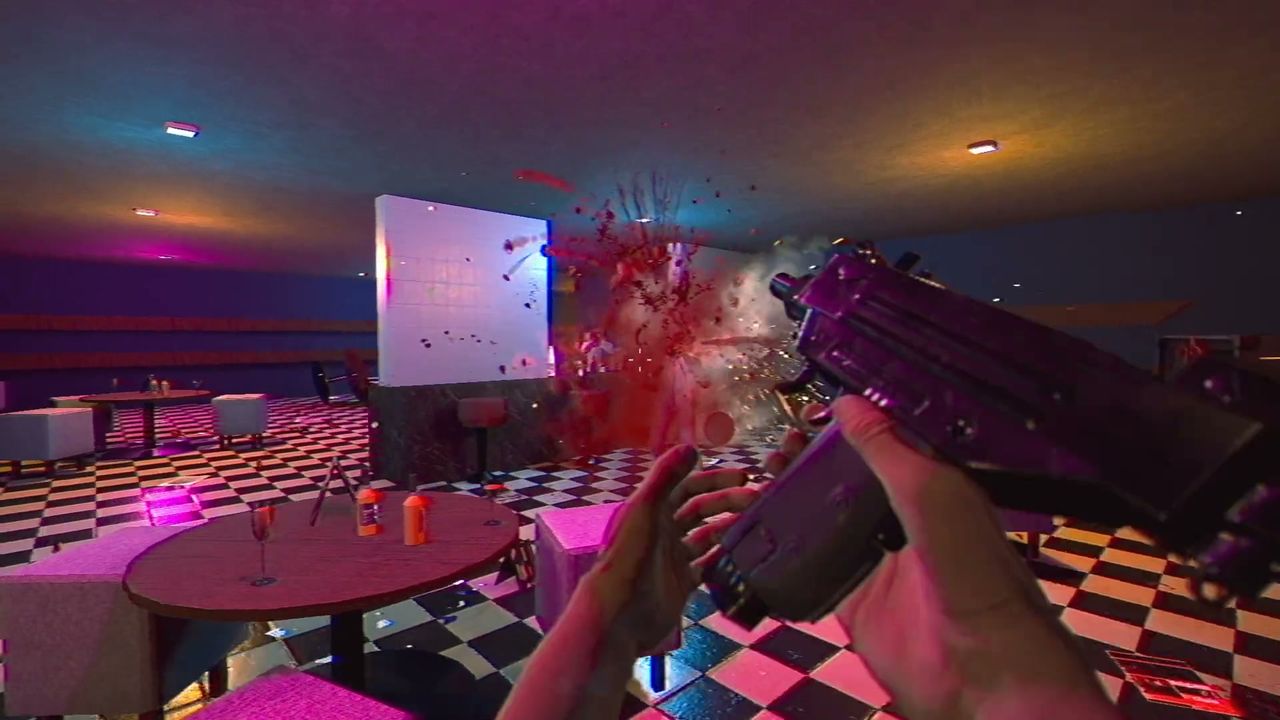
Most launch-day problems people hit are either a known demo-era bug that has a documented fix, or a local machine issue. This page is a decision tree: symptom first, then what to do.
Symptom to fix
| Symptom | Cause it usually is | Fix |
|---|---|---|
| Camera sway makes me ill | Head bobbing is on | Turn it off in the options menu |
| Gamepad stops working on the death screen | A demo-era input bug, fixed in v0.98c5 | Update to the current build |
| Enemies shoot me through a wall in Parking | A demo-era detection bug, fixed in v0.98c5 | Update to the current build |
| Blank screen while reloading a checkpoint | Demo-era loading gap, fixed in v0.98c5 | Update to the current build |
| Stutter in busy rooms | Post-processing on a weak GPU | Turn post-processing off first, then lower resolution |
| Achievements not unlocking | Steam not syncing, or you are in the demo | Check you are in the full game, then restart Steam |
| Save missing after switching machines | Steam Cloud not synced yet | Let Steam finish syncing before launching |
If an update did not fix it
- Verify the game files in Steam: right-click the game, properties, installed files, verify integrity. It re-downloads anything corrupt without touching your saves.
- Turn off overlays — Discord, GeForce Experience and the Steam overlay can all interfere with a game that switches between full-screen and windowed states.
- Update your GPU driver. The game targets Shader Model 2.0 and runs on old hardware, but a driver from several years ago is still the most common cause of a black screen at launch.
- Check the game's own support channel. The developer's support address is listed on the Steam store page.
What this page will not do
It will not list bugs the developers have not acknowledged, because inventing a bug list makes real ones harder to find. What is here is drawn from the official demo patch notes — four fixes, listed in the patch notes page — plus the standard Steam-side checklist.
Reporting something
If a problem is clearly the game and not your machine, the Steam community hub for app 1742440 is where the developer reads reports. For this site, the contact page handles broken links, wrong facts and bad screenshots only.
Checked 2026-10-31 against the official v0.98c5 demo patch notes.